Staff Resources
Business Card
Emailers
The font used throughout the design must be Arial to ensure consistency and readability.
The design must be responsive, adapting effectively to various screen sizes and devices.
The URL and social media icons must be correctly coded and linked to ensure proper functionality and user access.
The design must be responsive, adapting effectively to various screen sizes and devices.
The URL and social media icons must be correctly coded and linked to ensure proper functionality and user access.
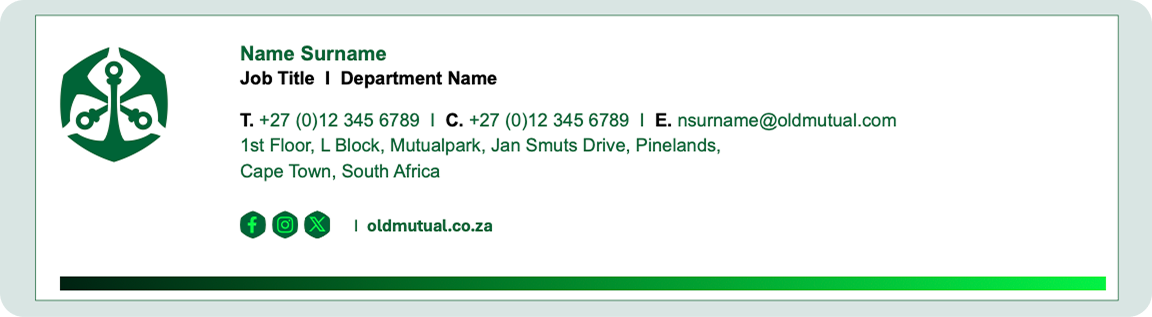
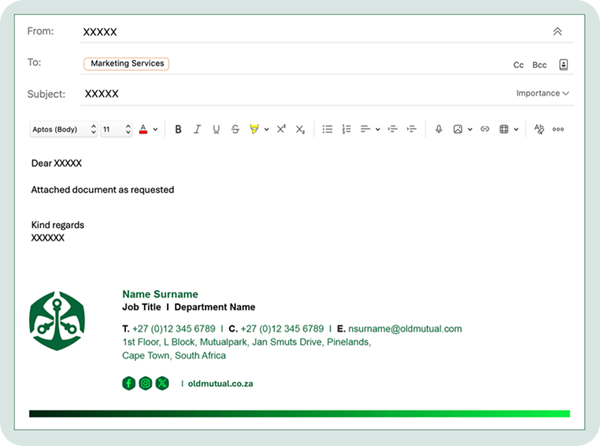
URL and social media icons are coded and linked.
Letterheads
Old Mutual’s corporate stationary items follow very specific corporate identity standards and must not be recreated.
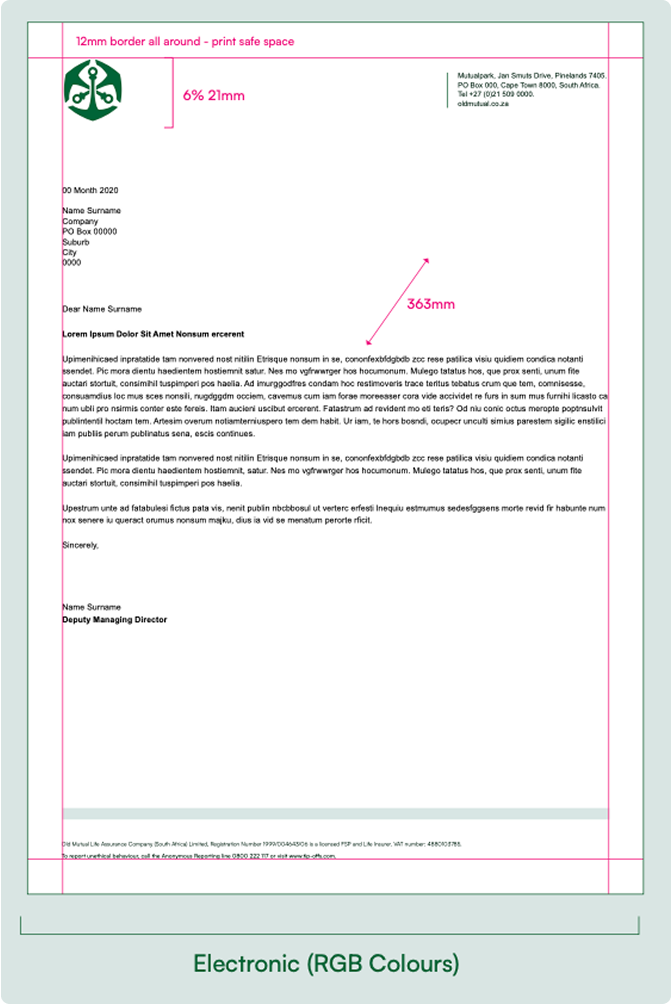
All letterheads must be set out according to the grid specifications.
Letterheads must carry the legal information in the footer.
The information in the header and footer appear in English only. The body copy may be delivered in the customer’s preferred language.
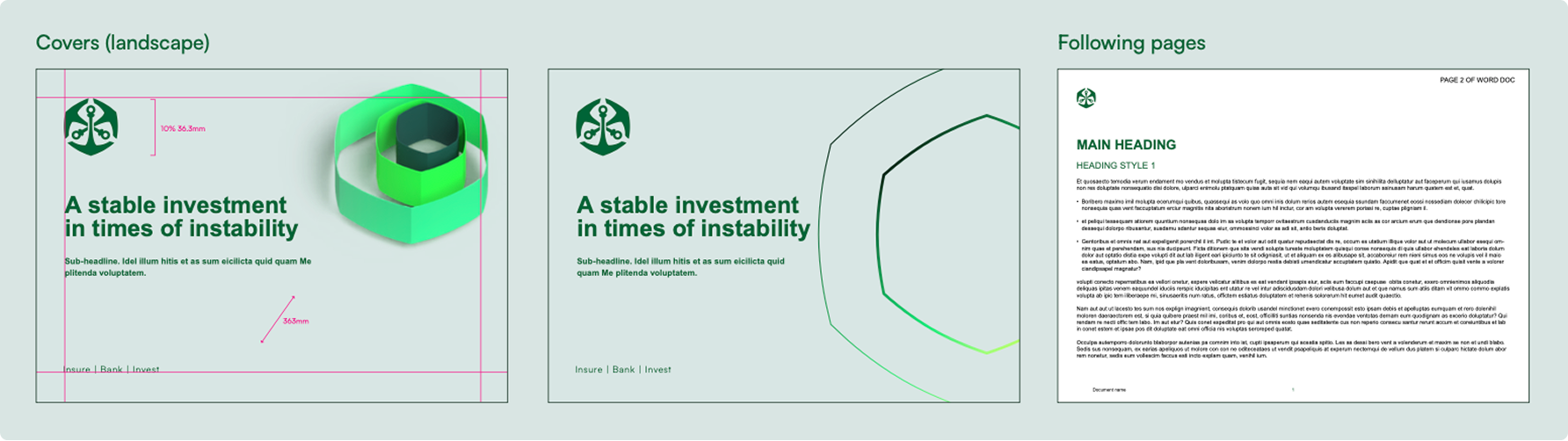
Successive pages only carry the Old Mutual logo in the top left hand corner in the same position as the cover page.
All letterheads must be set out according to the grid specifications.
Letterheads must carry the legal information in the footer.
The information in the header and footer appear in English only. The body copy may be delivered in the customer’s preferred language.
Successive pages only carry the Old Mutual logo in the top left hand corner in the same position as the cover page.
Business Cards
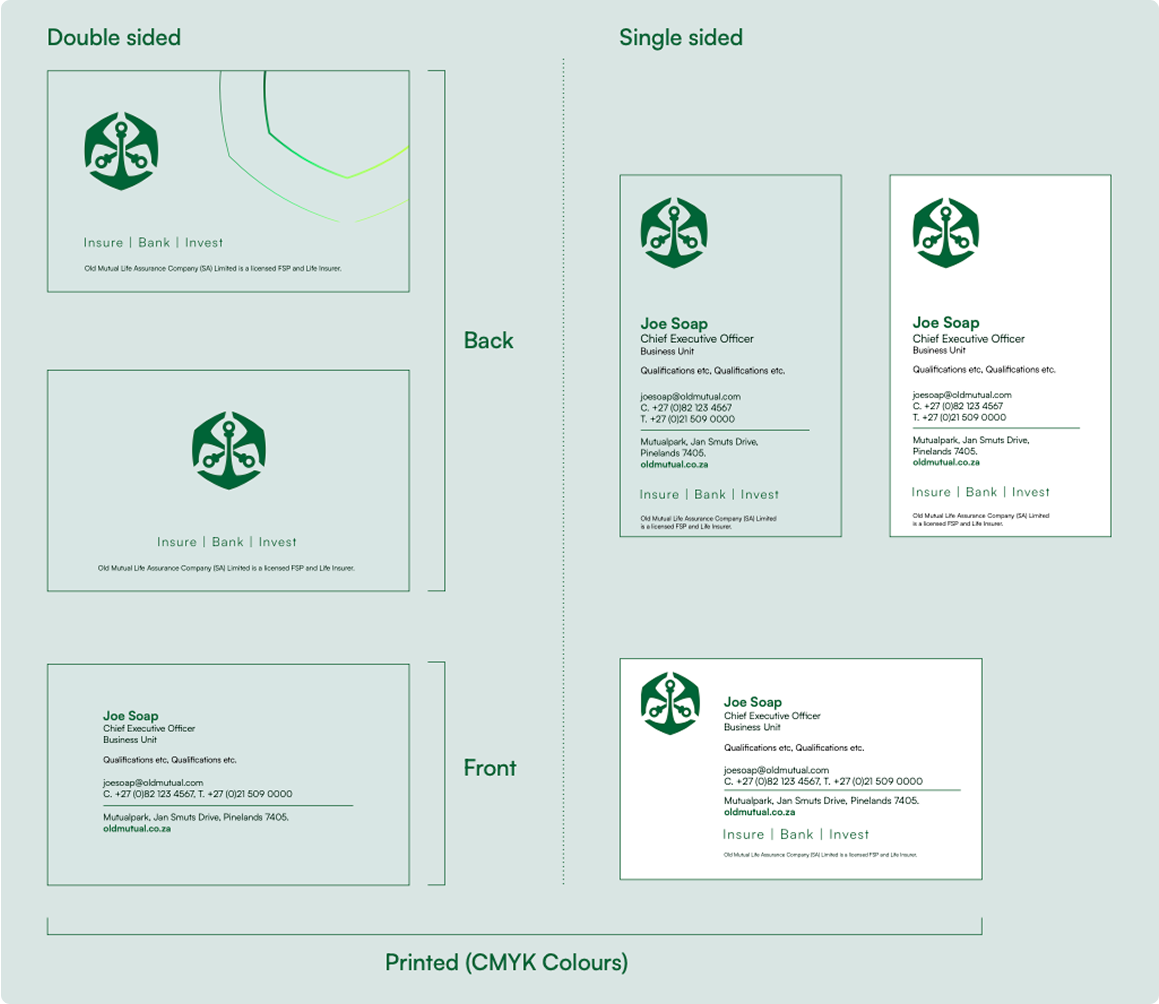
Business cards are printed on Hi-Q matt FSC, 250gsm
Please contact POINT for business card artwork and printing: [email protected]
Business cards may be double sided, portrait or landscape.
Please contact POINT for business card artwork and printing: [email protected]
Business cards may be double sided, portrait or landscape.
Word Documents
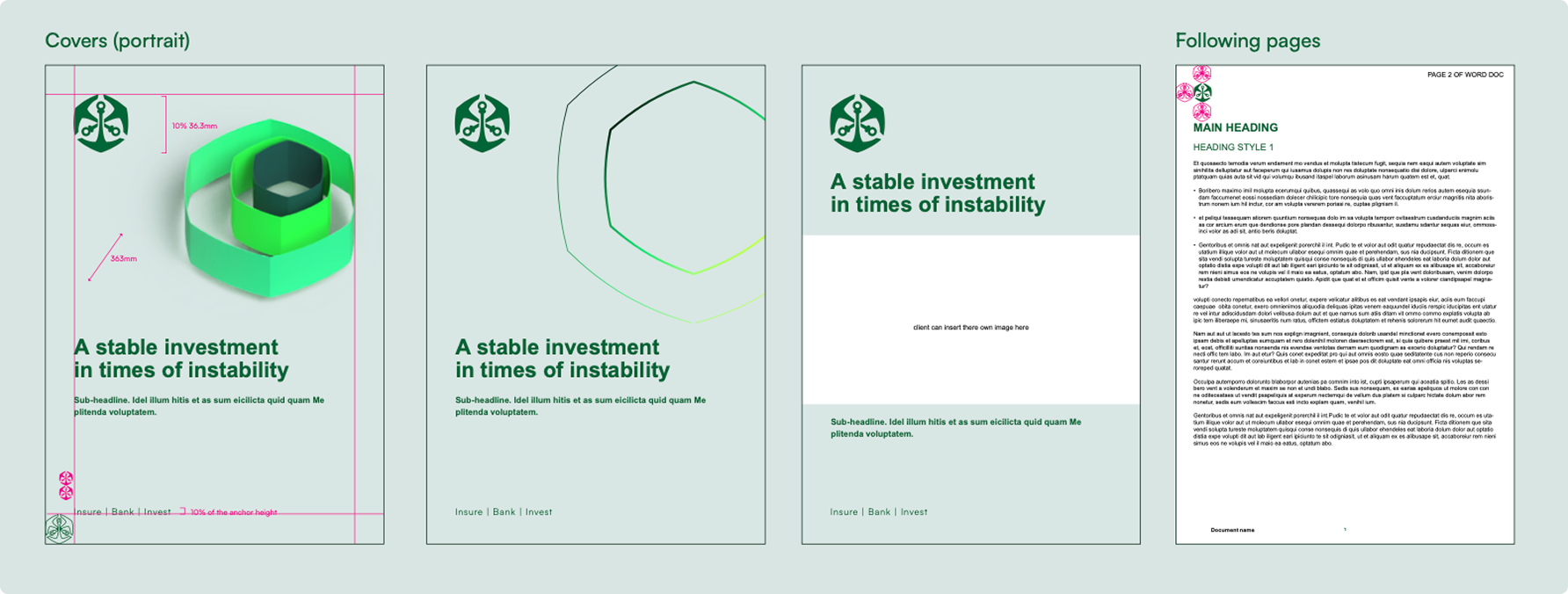
On Powerpoint and Word documents, the font is Arial.
MS Teams Backgrounds
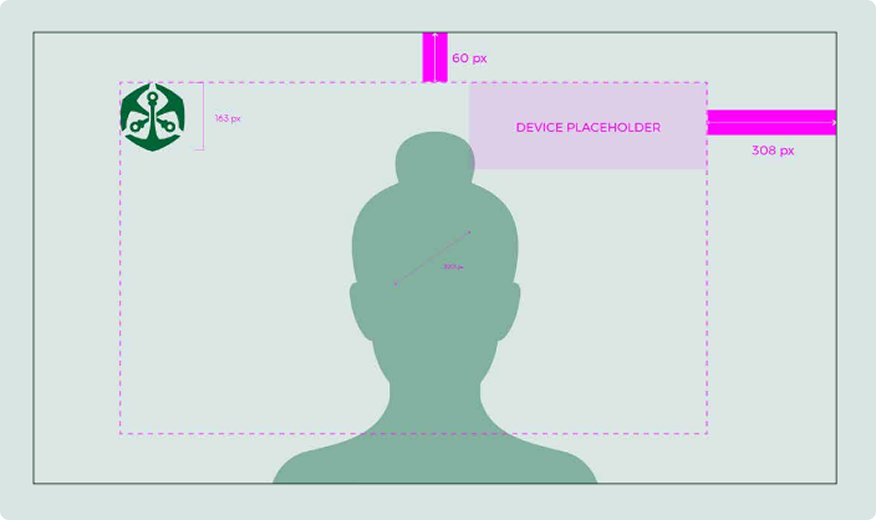
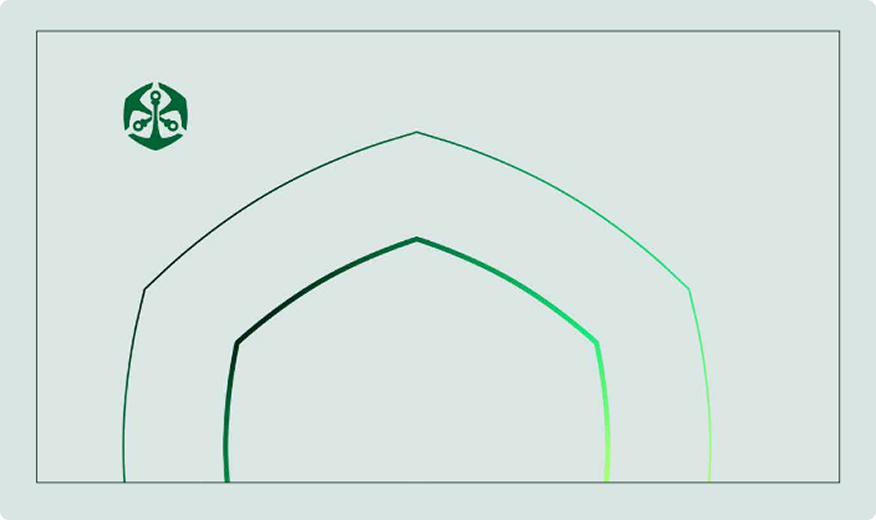
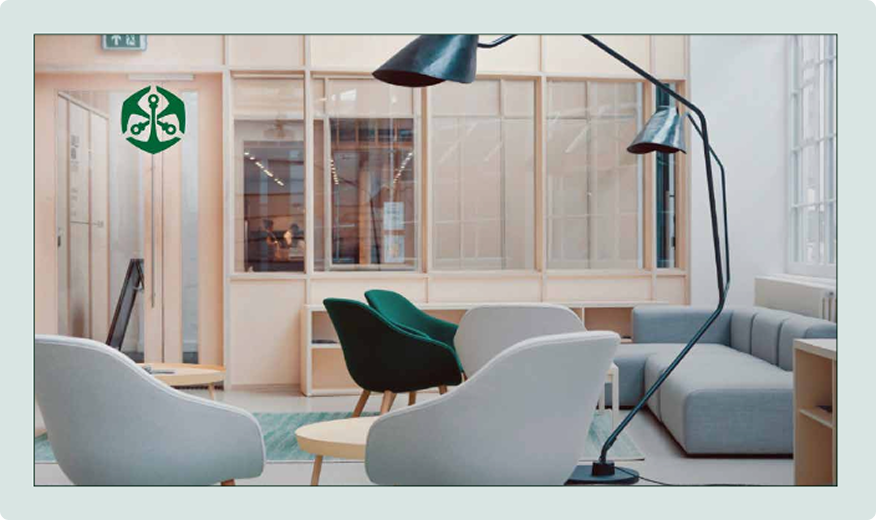
The Old Mutual logo is always placed top left.
Always make sure that the centre of the screen is free of any copy or information you would like the viewer to see.
If any additional information is needed, position in top right corner.
Always make sure that the centre of the screen is free of any copy or information you would like the viewer to see.
If any additional information is needed, position in top right corner.