

Staff Resources
Email Signatures
Email signatures
When using the capability descriptor, the distance from the top of the headline to the base of the capability descriptor needs to be half an anchor logo in height.
The positioning of the formal emailer (no image) varies slightly from the emailer with an image. Please note the placement. The font is Satoshi bold, 14 pt, with kerning at 50%.

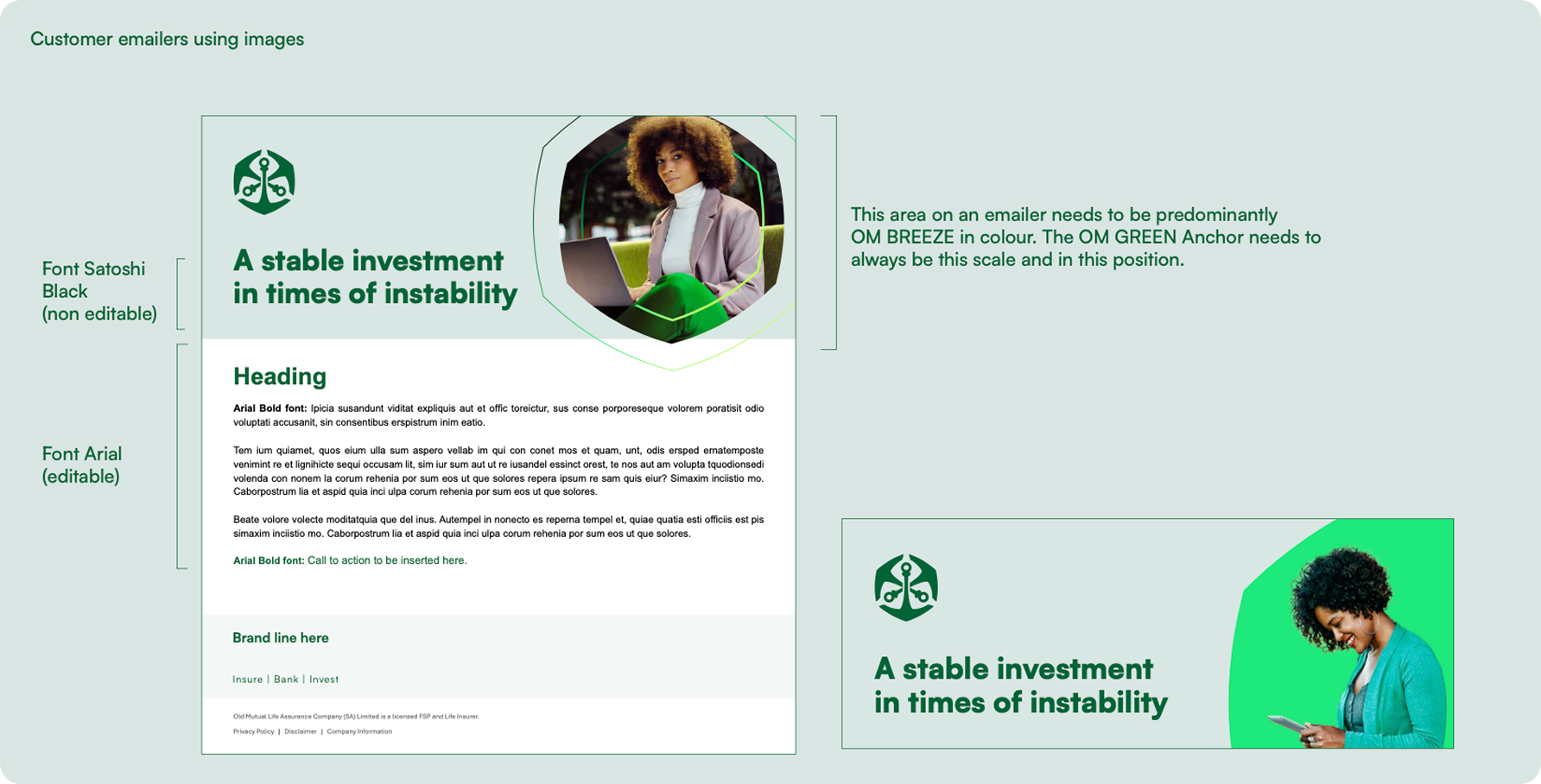
Emailers E-Flash
The background colour must always be in Breeze.
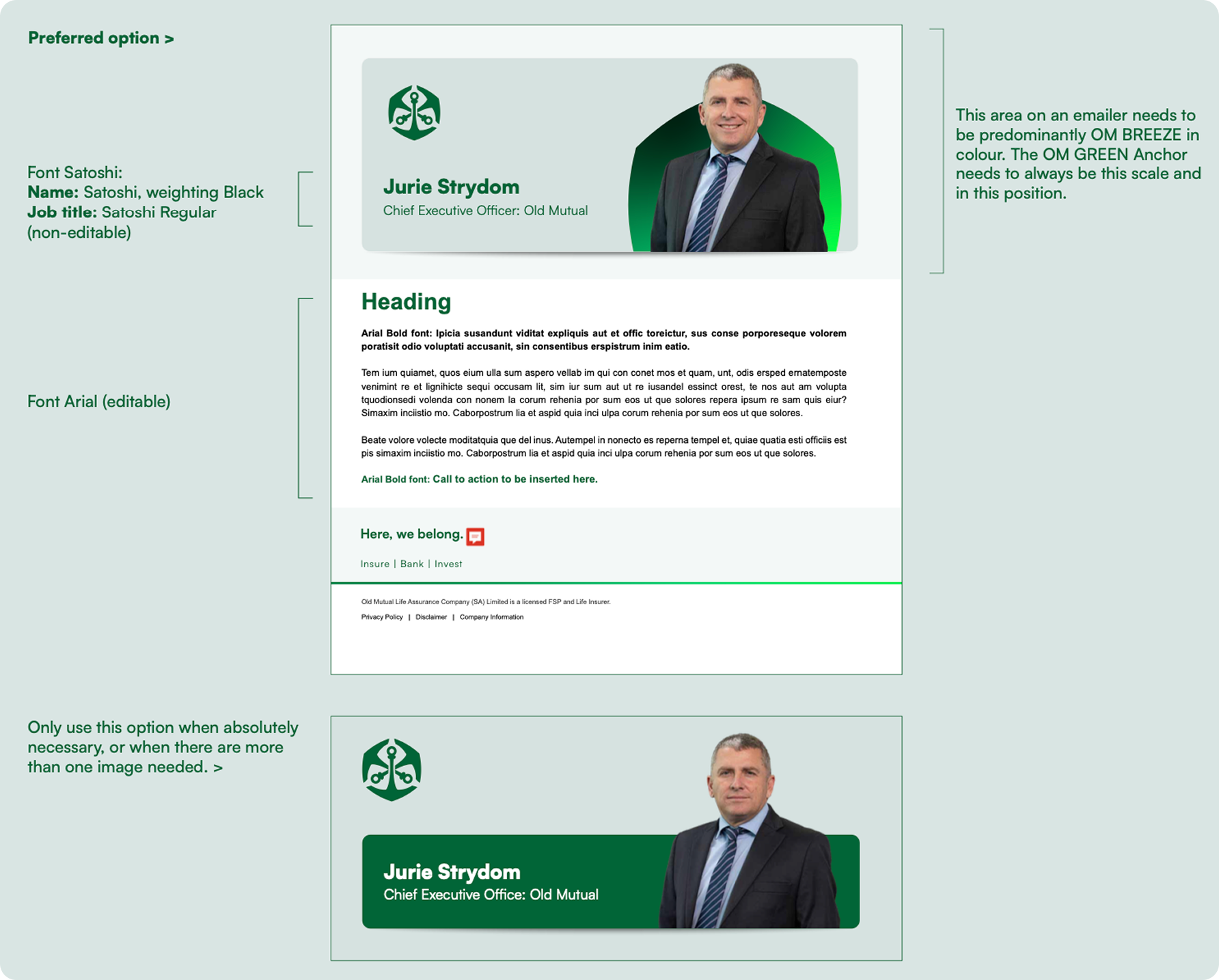
Fact sheet
The anchor logo is always placed top left and is 6% of the diagonal. The full Old Mutual logo is repeated on the last page of the form, bottom right.
The legal line is inserted at the bottom left on the last page.
The font for fact sheets is Satoshi, which is for both headings and copy.
When using the capability descriptor on fact sheets, it must be positioned in the top right area in line with the top of the anchor. It must be Satoshi Bold, 15pt, with a kerning of 50 in OM Green. The spacing between the capability descriptor and the top of the heading must be ½ an anchor in height.
Electronic Newsletter
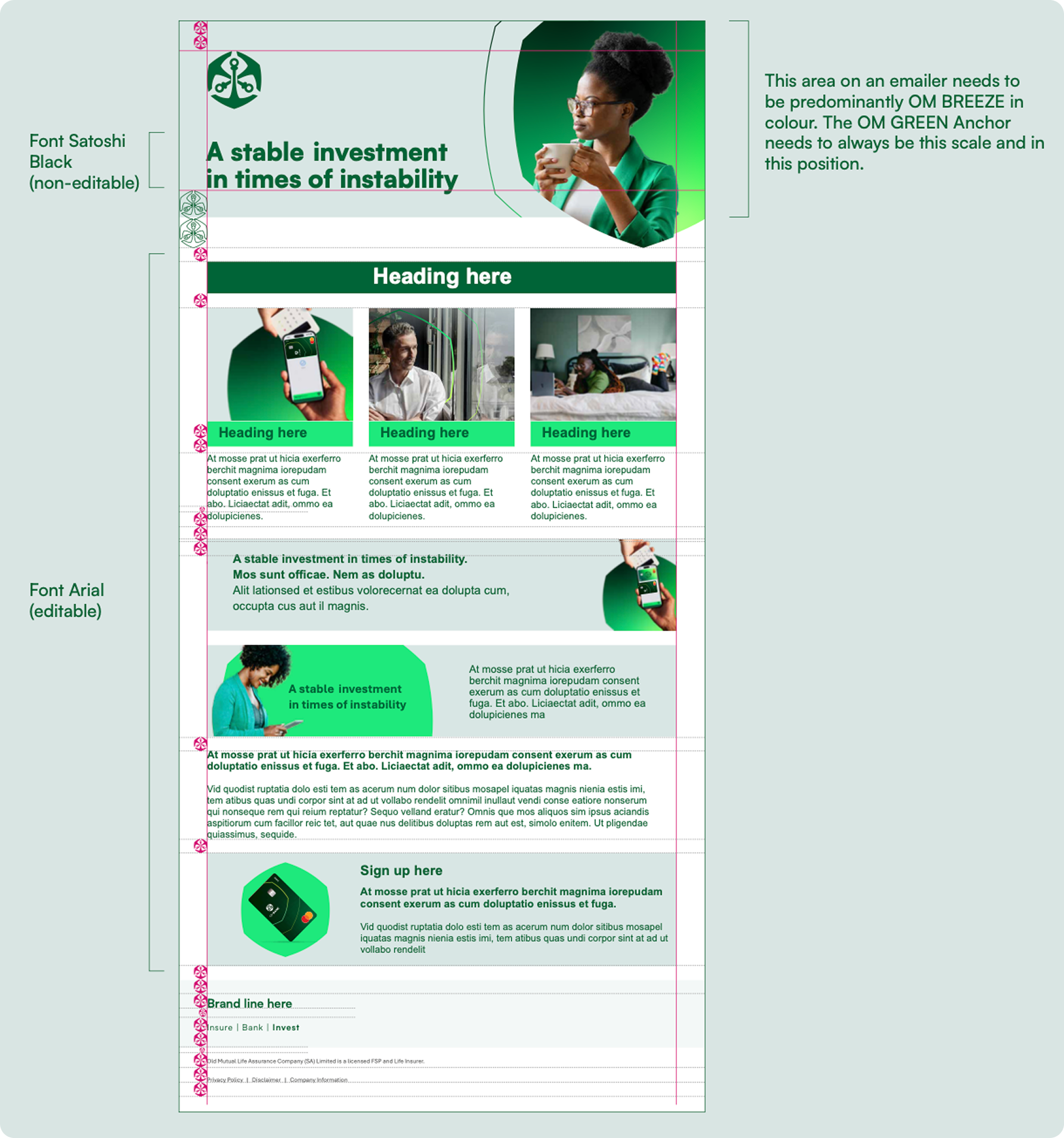
Where possible, use Breeze as the masthead’s background colour.
Newsletters need to be designed by professional designers.
Newsletters need to be designed by professional designers.
Invites
Lorem ipsum

Powerpoint
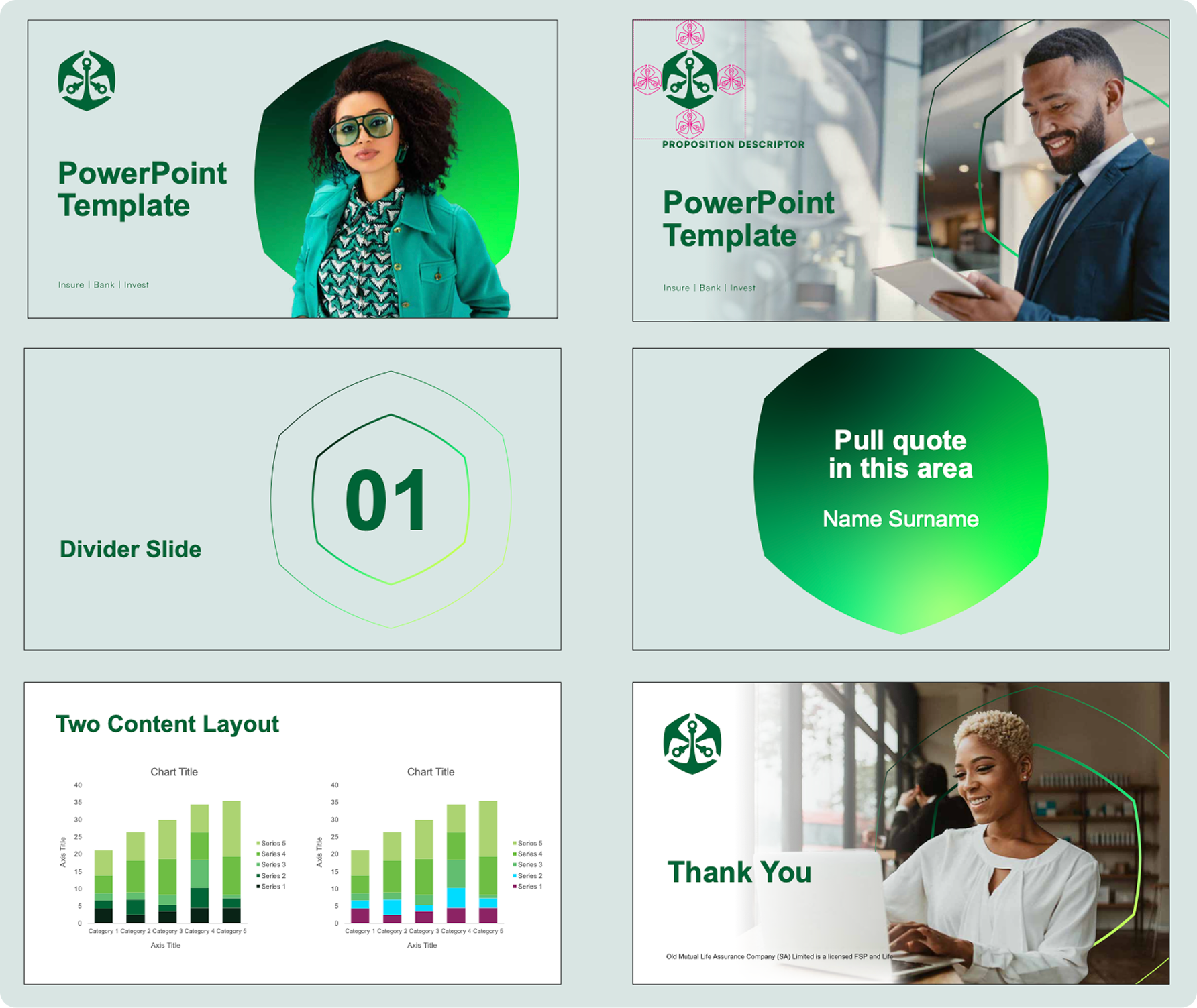
Where possible use OM Green logo on a Breeze background on PowerPoint.
The logo is always top left on covers and the size is 10% of the diagonal. On inner pages, the logo is 6% of the diagonal.
The font for PowerPoint is Arial.
Proposition descriptors positioned below anchor and above the heading.
The logo is always top left on covers and the size is 10% of the diagonal. On inner pages, the logo is 6% of the diagonal.
The font for PowerPoint is Arial.
Proposition descriptors positioned below anchor and above the heading.
MS Teams backgrounds
Lorem ipsum